All Posts
Webflow
15
min read
Published on
October 21, 2026
Migrating from TYPO3 to Webflow: a CMS migration guide for B2B SaaS

Yannik Moll
CEO
Table Of Contents
If you work at a software company in Germany, Austria or Switzerland, there's a good chance your website runs on TYPO3. Outside the DACH region it's less well known, but there it's one of the most widely used content management systems: open source, built in PHP, around since the late 1990s and powerful enough to run large, multilingual corporate websites.
Many B2B SaaS companies set up their TYPO3 site five or ten years ago, when it was the obvious choice for a professional web presence. Since then, the job of the website has changed. Marketing wants to ship campaign landing pages the same day, launch feature pages with every product release and test new positioning. In TYPO3, every one of those changes ends up as a ticket in the dev backlog.
The moment most teams start questioning the setup is the next major upgrade. This guide helps you make that call and walks you through a CMS migration from TYPO3 to Webflow that protects your rankings and your pipeline. It's based on relaunches for more than 120 software companies, including TYPO3 migrations with several hundred pages. The general relaunch process is covered in our website relaunch guide for SaaS. This article focuses on what's different with TYPO3.
Key takeaways
- The trigger is usually an upgrade. TYPO3 v12 lost free security updates in May 2026, and v13 follows at the end of 2027. If a major upgrade is on the roadmap anyway, price out a migration as the alternative.
- Webflow is for your marketing website, not your app. A typical SaaS setup separates marketing website, app and help center. Webflow takes over the first part and lets marketing work without developers.
- You don't port TYPO3, you rebuild. TypoScript, extensions and backend layouts have no direct equivalent. Your content moves, the logic gets rebuilt as components and CMS collections.
- Effort depends on how your content is built. Structured records migrate quickly, individually built pages mean manual work.
- TYPO3 URLs need their own redirect rules. .html suffixes, language parameters and old index.php links all need a destination, or you lose rankings and backlinks.
Upgrade, ELTS or migrate?
TYPO3 follows a fixed release cycle: roughly every 18 months, a new long-term support (LTS) version comes out and receives free updates for about three years. After that, TYPO3 GmbH offers paid Extended Long Term Support (ELTS). In practice, that means a decision every few years that ties up budget and dev capacity.
| Version | Status (as of October 2026) | What it means for you |
|---|---|---|
| TYPO3 v11 and older | ELTS only Free support ended | You're already paying for security or running without updates. Act now |
| TYPO3 v12 | ELTS only Free support ended on 30 April 2026 | Upgrade, ELTS or migration needs a decision now |
| TYPO3 v13 | Until Dec 2027 Security updates until end of December 2027 | About a year of runway. A good time to plan a migration properly |
| TYPO3 v14 | Until Jun 2029 Current LTS since April 2026 | No time pressure. Migrate only if TYPO3 is slowing down your marketing |
Your three options:
- Upgrade to the next LTS version. Makes sense if your team works well with TYPO3 and relies on features that are hard to rebuild in Webflow. But be realistic: upgrades go step by step from one LTS version to the next, and every extension has to be compatible or replaced. Coming from v11 means several upgrades in a row, each one blocking dev capacity you'd rather put into the product.
- Buy ELTS. Buys time, solves nothing. ELTS is a good bridge if a relaunch is already scoped and just won't be finished before support runs out.
- Migrate to Webflow. Makes sense if your site is first and foremost a marketing website and your team waits on developers or an agency for every new landing page or feature page. Otherwise, the next upgrade means paying for a system that keeps slowing down your time-to-launch.
Our rule of thumb: if a major upgrade is coming anyway, get a quote for both paths and compare total cost of ownership over three years, not just project cost. The section on cost and timeline below shows how.
What kind of relaunch is your TYPO3 migration?
Moving from TYPO3 to Webflow is always at least a platform migration. The real question is what else you change, because that determines risk, effort and cost:
| Relaunch type | What changes | SEO risk |
|---|---|---|
| Platform migration | Only the CMS. Design, content and URLs stay | Low Often an uplift from better tech |
| Design relaunch | CMS and design. Content stays 1:1 | Low As long as templates don't lose content |
| Full relaunch | CMS, design, content and page structure | Medium to high Depends on how controlled your approach is |
| Domain change | The domain as well | Very high Belongs in the hands of an SEO agency |
Many SaaS teams want to use the migration to redo everything at once: new design, new copy, new positioning. That's understandable, but risky. When everything changes at the same time, you can't tell afterwards what caused a drop in rankings or conversions. That's why we usually recommend migrating well-ranking pages 1:1 first and optimizing after launch. What each of the four types means in detail, and how to pick the right one, is covered in our website relaunch guide for SaaS.
When Webflow fits, and when it doesn't
Webflow isn't a better TYPO3. It's a different tool for a different job: a marketing website your marketing team can develop on its own. Before you think about the process, check honestly whether your setup fits.
The typical SaaS setup
Most SaaS companies run three web properties with very different requirements:
- Marketing website (yourdomain.com): homepage, product and feature pages, use cases, pricing, case studies, blog. What counts here is time-to-launch, conversion and SEO. That's Webflow's job.
- App (app.yourdomain.com): login, onboarding, the product itself. It never belongs in a website CMS.
- Help center and docs (help.yourdomain.com or docs.yourdomain.com): articles, API documentation, search. Dedicated tools fit support and product far better than a website CMS.
In many TYPO3 installations, this separation never happened. Customer areas, downloads for existing customers and documentation live inside the marketing website. A migration is the right moment to untangle them.
Why marketing website and product belong apart
This isn't a technical detail. It decides how fast your marketing can move and how safely your product runs:
- Different release cycles. Marketing wants to iterate daily: new landing pages, copy tests, feature pages for every launch. The product ships in planned releases with QA. Put both in one system and marketing gets stuck in the engineering release cycle, or every website change becomes a risk for the product.
- Different owners. The marketing website belongs to marketing, app and docs belong to product and engineering. Separate systems make that ownership clear, and nobody needs an engineering ticket to change a headline.
- Each tool is built for its job. A website CMS is optimized for SEO, conversion and speed, an app for functionality, a help center for search and support. One system trying to do everything does none of these jobs well.
- Less risk. Logins, customer data and product logic don't belong in a marketing CMS. Separate systems shrink the attack surface, and a website issue doesn't take down your product.
- Clean SEO and tracking. Marketing pages stay lean, indexable and built to rank, app pages stay out of the index. And your funnel becomes measurable: website, sign-up, activation, with a defined handoff between systems.
Webflow is a good fit if:
- your site mainly covers product, features, use cases, pricing, case studies, blog and gated content,
- marketing should launch landing pages, feature pages and campaigns on its own, without dev tickets,
- you run a manageable number of languages in subfolders of one domain,
- CRM, marketing automation, demo booking and tracking are your key integrations,
- you no longer want to own hosting, updates and security patches.
Be careful if:
- login areas such as a customer portal, partner area or protected downloads for existing customers live inside the website,
- the site doubles as a knowledge base with thousands of documents and complex search,
- product or pricing data comes live from billing, ERP or PIM systems,
- many country or brand sites with their own teams and granular permissions are connected,
- internal compliance rules require hosting on your own servers.
None of these is automatically a dealbreaker. Many can be solved with integrations, and Webflow Enterprise adds roles, publishing workflows and higher limits. Often, though, a hybrid approach works better: the marketing website moves to Webflow, while the customer portal or docs get their own tool on a subdomain. Marketing gets its speed back without forcing product functionality into a website tool.
What changes for your team
TYPO3 and Webflow think about websites differently. In TYPO3, editors assemble pages from content elements in a page tree, and a lot happens in the background through TypoScript, TYPO3's own configuration language. In Webflow, a designer builds a component system, and marketing combines those components into new landing pages and feature pages. This table translates your TYPO3 setup into Webflow terms:
| In TYPO3 | In Webflow | What to know |
|---|---|---|
| Page tree | Pages and folders | Similar structure, but you define new URLs in your page structure |
| Content elements (text, image, accordion …) | Components with props and slots | Marketing builds pages from approved components instead of free elements |
| Backend layouts and grid elements | Page templates and layout components | Fewer free grids, more consistent design across all pages |
| TypoScript | Webflow Designer, CMS filters, conditional visibility | No equivalent, the logic gets rebuilt |
| News extension and other records | CMS collections (blog, case studies, changelog …) | Structured content imports well via CSV or API |
| Form extensions | Webflow forms or forms from your CRM | Send demo requests and sign-ups straight to the CRM, not just the Webflow inbox |
| Search (indexed_search, Solr) | Integrations such as Finsweet or Algolia | Docs and help center usually get their own tool instead of site search |
| Backend user groups | Workspace roles | Webflow uses roles rather than page-level permissions, Enterprise adds more granularity |
| fileadmin (file storage) | Webflow assets or your marketing automation tool | Whitepapers and datasheets work best as tracked gated content |
| Languages via site configuration | Webflow Localization with subfolders | Translation fallbacks behave differently, see pitfalls below |
| Own hosting, caching, updates | Hosting, CDN and SSL by Webflow | Server maintenance and security patches go away |
The key point of this table: you don't port TYPO3, you rebuild your website on a new foundation. The content moves, the tech behind it doesn't. That's more work than a data export, but also a chance to get rid of unused extensions and pages that never matched the rest of the design. See how we set up projects like these as a Webflow Enterprise Partner.
The migration check: five questions before you compare quotes
Whether a TYPO3 migration takes six weeks or four months rarely depends on page count. It depends on how your content is built and what runs in the background. Answer these five questions before you lock the scope:
- Is your content structured, or built as individual pages? News, events or case studies usually live as records in TYPO3 and export cleanly. Guides, glossaries, use cases or feature pages, on the other hand, were often assembled page by page from content elements, each one slightly different. One SaaS client had a knowledge section of more than a hundred pages built exactly like that. Every page had to be moved into a consistent CMS template by hand, and it was the biggest line item in the project.
- Which extensions are running, and which are actually business-critical? List every active extension and mark what's really in use. In our experience, a large share falls away, either because Webflow covers the function out of the box or because nobody needs it anymore.
- How is multilingual content set up? How many languages, are all pages translated, and who owns translations? Language versions on separate domains, or even in separate installations, mean far more work than subfolders.
- How many files live in fileadmin, and who links to them? Whitepapers, datasheets and sales decks are often linked externally, from partners, newsletters or directly by your sales team. Every one of them needs a new home and a redirect.
- Which systems connect to the website? For SaaS, that's mainly the CRM for demo requests with clean lead routing, the trial sign-up with handoff into the product, demo booking, marketing automation, tracking and consent, and often a changelog or status page. Each integration has to be rebuilt or deliberately replaced in Webflow, and each one belongs on your pre-launch test list.
Then the most important step: test the export with three to five real pages before you estimate the total effort. Pick the most complex pages, not the simplest. Whatever breaks there will break a hundred times later.
The TYPO3 to Webflow migration in six steps
The basic process is the same as any CMS migration. With TYPO3, each step comes with its own specifics.
1. Secure your baseline and collect old redirects
Export Search Console data, conversions per page (demo requests, trial sign-ups, downloads), backlinks and a full crawl of the old site. TYPO3 adds one thing that often gets missed: redirects usually live in several places at once. In the redirects module of the backend, in the .htaccess file on the server and, on older installations, in configurations of earlier URL extensions. Collect all of them, or links that worked for years will lead nowhere after launch.
2. Build a content inventory and map it
Assign every page to one of three types: a static page in Webflow (homepage, pricing, about), an item in a CMS collection (blog, case studies, use cases, glossary, changelog) or a deliberate removal. This is where you decide which content built as individual pages today will live in collections going forward. It's extra work during the migration, but it pays off with every page marketing launches on its own later.
3. Lock the page structure and URLs
List every page with its new URL, title and index status in one sheet, and have the owner approve it before redirect mapping starts. With TYPO3, a typical question comes up here: do you keep the existing URL structure, or clean it up, for example by dropping .html suffixes or flattening deep paths? Every changed URL needs a redirect. You can use our page structure sheet as a template.
4. Build templates and components
In Webflow, you build a component system instead of individual pages: hero sections, feature blocks, social proof, comparison tables, CTA sections. The TYPO3-specific catch: capture every content element that actually appears on your existing pages, not just the ones on a single example page. Accordions, tabs, tables, embedded videos, download boxes. Whatever is missing from the template only shows up during migration, and then it costs twice.
5. Export and import content
Export structured records such as news via database export or API as CSV and import them into the matching collection. Individual pages don't export that easily: they get crawled, restructured with AI support and reviewed by people. AI is a big help with restructuring and translation, but every change to the content itself needs a human check. Move well-ranking pages over 1:1 and optimize them after launch.
6. Redirects, QA and go-live
Build the complete redirect map, including the old TYPO3 redirects and the URL patterns in the next section. In Webflow, upload the full list as a CSV, because an import replaces all existing entries. Before go-live, test every demo request and every trial sign-up all the way into the CRM and the product. Then monitor for at least twelve weeks. What matters from an SEO perspective is covered in our guide to a website relaunch without losing SEO. Every step with owners and timing is in the website relaunch checklist.
TYPO3 URL patterns and how to redirect them
TYPO3 sites often carry URLs from several generations: old links from before readable URLs, .html suffixes from earlier configurations, language parameters. Google still knows many of them, and other sites still link to them. Look for these patterns in your crawl and backlink data:
| Pattern | Example | How to redirect |
|---|---|---|
| .html suffix | /product/features.html | To the new URL without suffix. Use a pattern rule instead of single entries for many pages |
| Old page IDs | /index.php?id=123 | Map each ID to a new page. Webflow redirects work on paths and can't reliably catch query parameters, so plan a rule at DNS or edge level, for example through Cloudflare |
| Language parameters | /page?L=1 or /index.php?id=123&L=1 | To the matching language version in its subfolder, such as /de/page. Same approach as for parameters above |
| News detail pages | /news/detail/news/article-title/ | To /blog/article-title. If slugs stay the same, one pattern rule covers the whole folder |
| Files in fileadmin | /fileadmin/user_upload/whitepaper.pdf | To the file's new location. Externally linked files come first |
| Trailing slash and case | /Solutions/ and /solutions | Send every variant that shows up in crawl or backlink data to exactly one destination |
| Existing TYPO3 redirects | Entries in the redirects module or .htaccess | Update them to the new final destination to avoid redirect chains |
Not every variant needs its own redirect. Priority goes to URLs with traffic, rankings or backlinks, and to anything linked from paid campaigns, sales decks, newsletters or partner sites. For the rest, pattern rules for whole folders are enough, and pages without a real replacement return a 404 or 410 instead of redirecting to the homepage.
How much does a TYPO3 to Webflow migration cost, and how long does it take?
The range depends almost entirely on what you change besides the platform. For B2B SaaS websites, these are the figures we see in our projects:
| Scope | Cost (guideline) | Timeline |
|---|---|---|
| Technical migration, design and content stay | from approx. €20,000–25,000 | 6–10 weeks |
| Migration with new design | from approx. €30,000 | approx. 3 months |
| Full relaunch incl. new content | approx. €40,000–60,000, enterprise up to €100,000 and more | 3–6 months |
With TYPO3, four factors drive effort up: many individually built pages instead of structured records, extensions whose functions need replacing, multiple languages and a large number of files in fileadmin.
The right comparison
Don't just compare project cost. Compare total cost of ownership over three years. On the TYPO3 side, that includes:
- hosting, server operations and monitoring,
- regular updates and security patches,
- the next major upgrade including extension work, or ELTS,
- agency or developer hours for changes marketing can't make on its own.
On the Webflow side, you have the migration, license costs for site and workspace plans and the optimizations you'll ship yourself or with a retainer. The line item most often missing from these comparisons is the last one on the TYPO3 side: all the small tickets for copy changes, new landing pages, feature pages for releases and campaigns. Pull the invoices from the past twelve months. Then add the opportunity cost of every campaign that went live a week later than planned.
On timeline: the biggest time factor in TYPO3 migrations is rarely the tech. It's moving individually built pages and aligning content inside your team. The earlier you run the migration check, the more accurate your plan.
Common pitfalls in TYPO3 migrations
We see these mistakes in TYPO3 migrations again and again. Almost all of them can be avoided with proper planning.
- The template is based on a single example page. That page never contains every content element used across the other hundred pages. Crawl the site to see which elements actually appear per page type.
- Individual pages are underestimated as an export task. What was built as a one-off page in TYPO3 can't be pushed into a collection at the click of a button. Plan the manual work and agree in writing who owns it.
- Redirects from the backend or .htaccess are missing. Your crawl only shows what's linked today, not the redirects TYPO3 runs in the background.
- Parameter URLs are forgotten. Old index.php?id= links or language parameters rarely show up in a crawl, but they still sit in backlinks and bookmarks.
- The handoff to the app breaks. Sign-up and login buttons pointing to app.yourdomain.com, UTM parameters that need to reach the trial sign-up, cross-domain tracking between website and product. Whatever was set up in TYPO3 at some point has to be rebuilt deliberately and tested in Webflow, or you lose attribution for trials from day one.
- Translation fallbacks disappear. Depending on configuration, TYPO3 shows missing translations in the default language. In Webflow, an untranslated page stays empty or doesn't exist. Check upfront which pages are really translated into which languages.
- Gated content gets lost. Whitepapers and datasheets in fileadmin are often linked from newsletters, sales sequences or partner sites. Without a new home and a redirect, those links break and you lose leads.
- Permissions are expected to carry over 1:1. If you had page-level permissions for many backend groups in TYPO3, you'll need to rethink roles in Webflow and plan for Enterprise if you need finer granularity.
- Too much gets deleted along the way. Large TYPO3 sites contain lots of old pages. Don't remove entire sections at once. Decide page by page based on traffic, rankings and backlinks, and keep cleaning up after launch.
Behind all of this is the same principle as in every relaunch: foundation first, migrate the foundation, then optimize. Our website relaunch guide explains it in detail.
TYPO3 to Webflow: a short CMS migration checklist
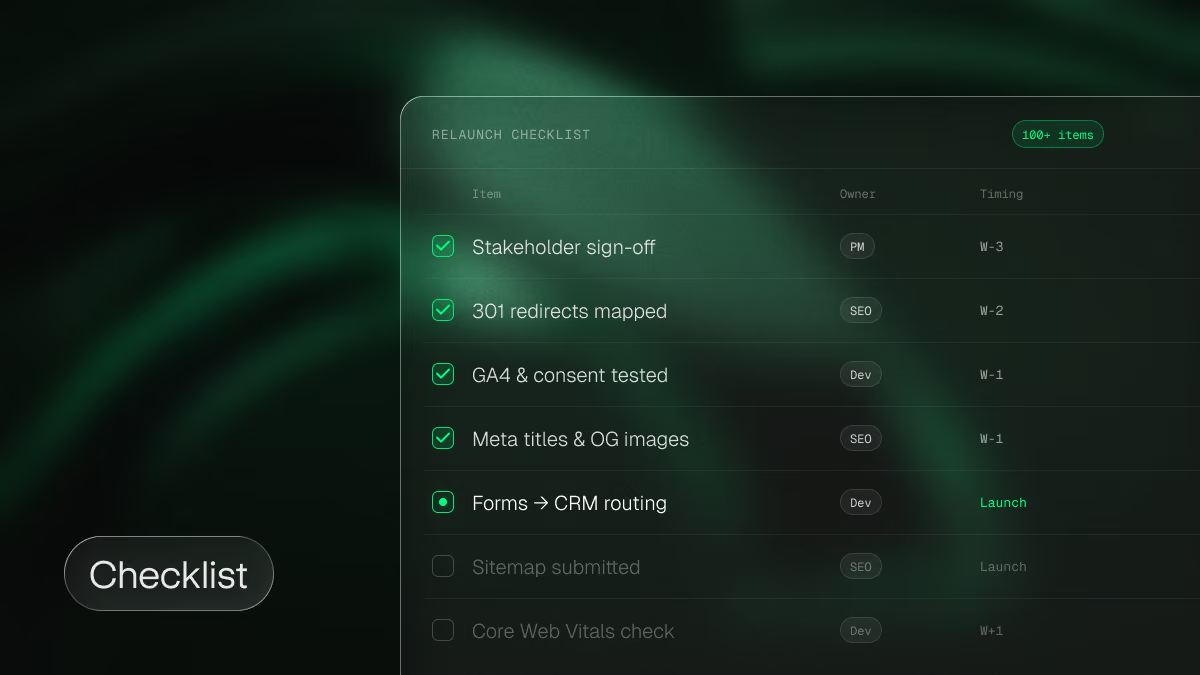
The most important points at a glance. The full working version with timing, owners and a done-criterion for every item is in our website relaunch checklist with 100+ items, also available as a Google Sheet.
Before the project
- Decision made: upgrade, ELTS or migration, based on total cost of ownership over three years
- Marketing website, app and help center clearly separated, hybrid setup decided where needed
- Migration check done: content structure, extensions, languages, fileadmin, integrations
- Export tested with three to five of the most complex pages
During the migration
- Baseline secured: Search Console, conversions per page, backlinks, full crawl
- All existing redirects collected from the backend module, .htaccess and older configurations
- Page structure with all URLs approved before redirect mapping starts
- Component system covers every content element that actually appears on the site
- Structured records imported, individual pages restructured and reviewed
- Well-ranking pages migrated 1:1
Before and after go-live
- Redirect map covers .html suffixes, page IDs, language parameters, news paths and files, with a DNS or edge rule for parameter URLs
- Complete redirect list uploaded to Webflow as one CSV
- Demo requests and trial sign-ups tested all the way into CRM and product, including UTM parameters and cross-domain tracking
- Search Console, indexing and conversions monitored for at least twelve weeks
FAQ: migrating from TYPO3 to Webflow
What is TYPO3?
TYPO3 is an open-source content management system written in PHP, first released in the late 1990s. It's especially common in Germany, Austria and Switzerland, among mid-sized companies, universities, public institutions and many established software companies.
What is TYPO3 ELTS?
ELTS stands for Extended Long Term Support. Once the free support period of a TYPO3 version ends, TYPO3 GmbH offers paid security and bug fix updates for several more years. It buys time for an upgrade or migration, but doesn't replace either.
How long does a migration from TYPO3 to Webflow take?
A technical migration where design and content stay the same takes 6 to 10 weeks. With a new design, plan around 3 months, and a full relaunch with new content takes 3 to 6 months. The number of individually built pages has the biggest impact on timeline.
How much does it cost to move from TYPO3 to Webflow?
From around €20,000 to €25,000 for a technical migration, from around €30,000 with a new design and €40,000 to €60,000 for a full relaunch. Compare that with the cost of the next TYPO3 upgrade and your running costs over three years.
Is upgrading to TYPO3 v14 better than migrating?
If your team works well with TYPO3 and relies on features like login areas or deeply integrated data, yes. If your site is first and foremost a marketing website and every new landing page goes through developers, migrating is usually the better investment.
Will we lose rankings when we migrate?
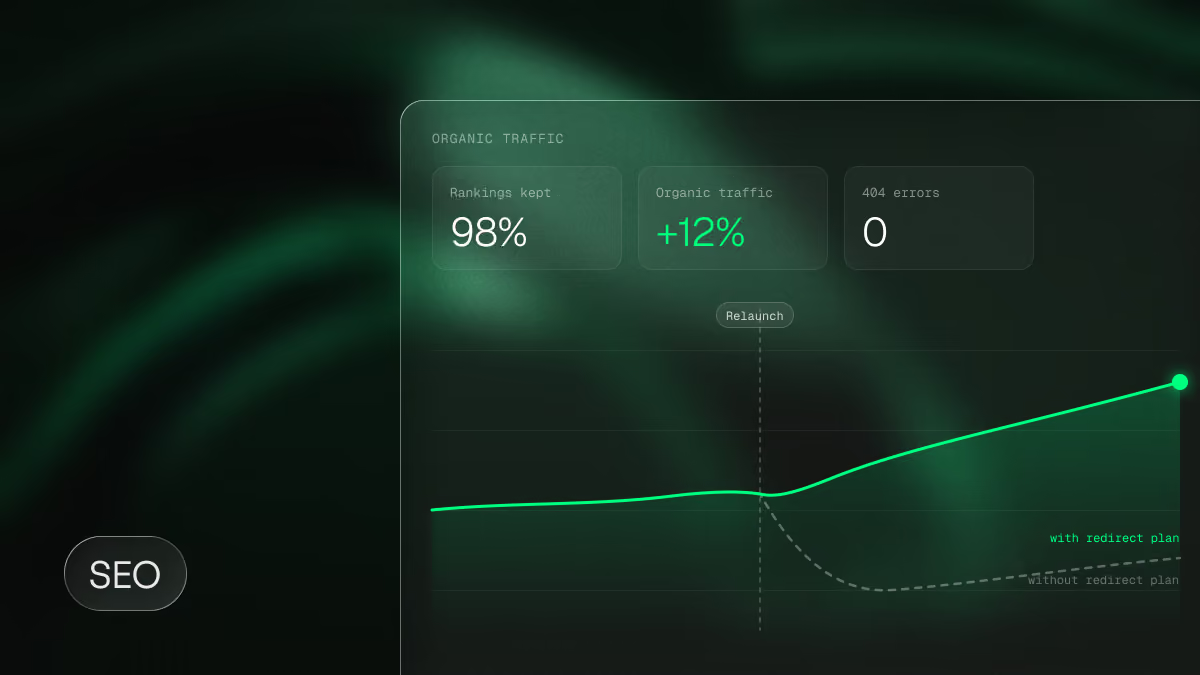
Not if the migration is planned properly. What matters is a complete redirect map including old TYPO3 URLs, equivalent content on well-ranking pages and monitoring for at least twelve weeks. With a pure platform migration, we often even see an uplift thanks to the better technical foundation.
Can TYPO3 content be imported automatically?
Structured records such as news can be imported via CSV or API. Individually built pages need to be restructured. AI speeds this up considerably, but the result needs a human review.
What happens to our TYPO3 extensions?
They don't move with you. Every business-critical function gets a solution in Webflow itself, an integration or a deliberate decision to drop it. In our experience, many extensions aren't needed anymore.
What happens to our app, login and help center?
They don't belong on the marketing website. The app stays part of your product, help center and docs get a dedicated tool on their own subdomain. Webflow takes over the marketing website, and the handoffs, meaning sign-up and login buttons, UTM parameters and cross-domain tracking, are rebuilt and tested deliberately.
Can we migrate step by step?
Yes, with a hybrid approach: the marketing website moves to Webflow, while a customer portal or docs stay in the existing system on a subdomain for now. Running pages from TYPO3 and Webflow side by side under the same domain, on the other hand, is complex and only makes sense in exceptional cases.
Can our marketing team manage Webflow without developers?
Yes, if the site is built as a component system. Then marketing launches new landing pages, feature pages and use cases from approved components without breaking the design. A short onboarding is usually enough.
Thinking about moving from TYPO3 to Webflow? See how we approach a website relaunch for B2B SaaS, or book a free strategy call and we'll run the migration check for your website together.

Related Articles

No one ever regretted planning
a website project “too early”.
80% of the project requests we receive wouldn’t be urgent if marketing booked that call with us a few weeks earlier. Enough time for scoping, consulting & good decisions.